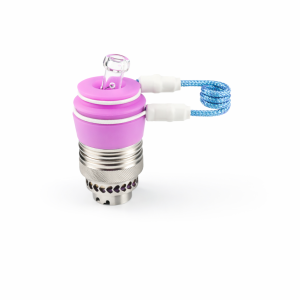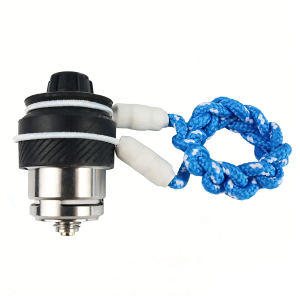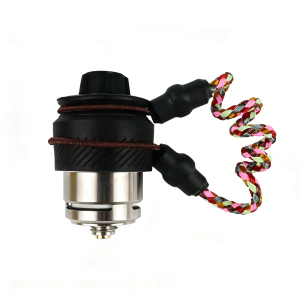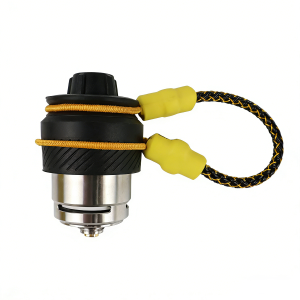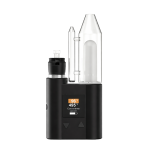






A proper tether setup keeps your carb cap secure, organized, and always within reach.
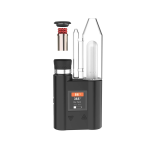
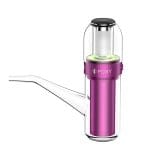
This guide shows you how to install the JCVAP Link Tether – FlexCoil on Peak Pro and JCVAP Pockety in just a few simple steps.
No tools required. Installation takes less than one minute.
Step 1 – Prepare the Required Parts
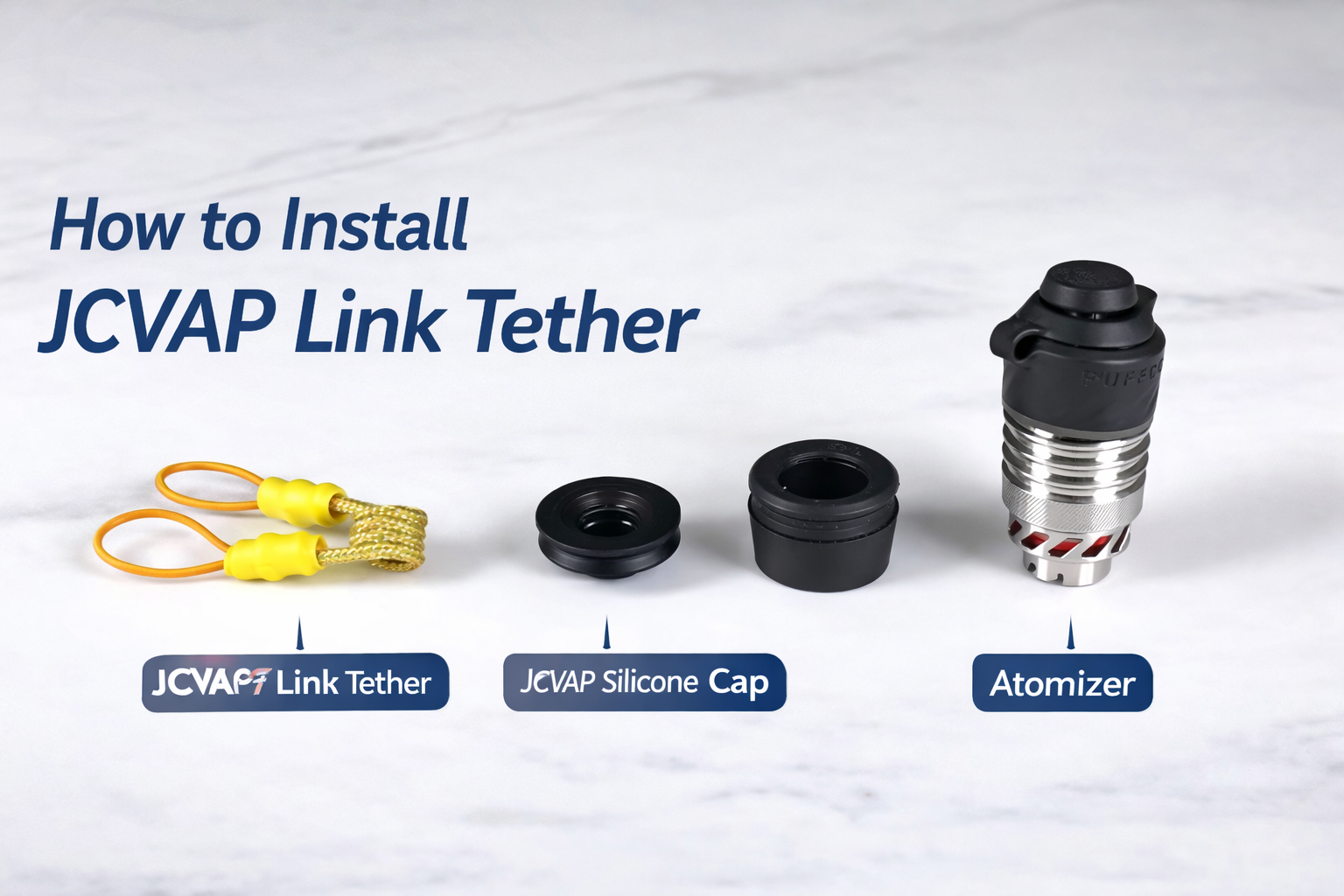
Before installation, make sure you have:
JCVAP Link Tether – FlexCoil
JCVAP Silicone Ball Cap or Oculus Tether & Cap
These silicone caps are designed with attachment points that work perfectly with Link Tether.
Step 2 – Remove Your Existing Cap
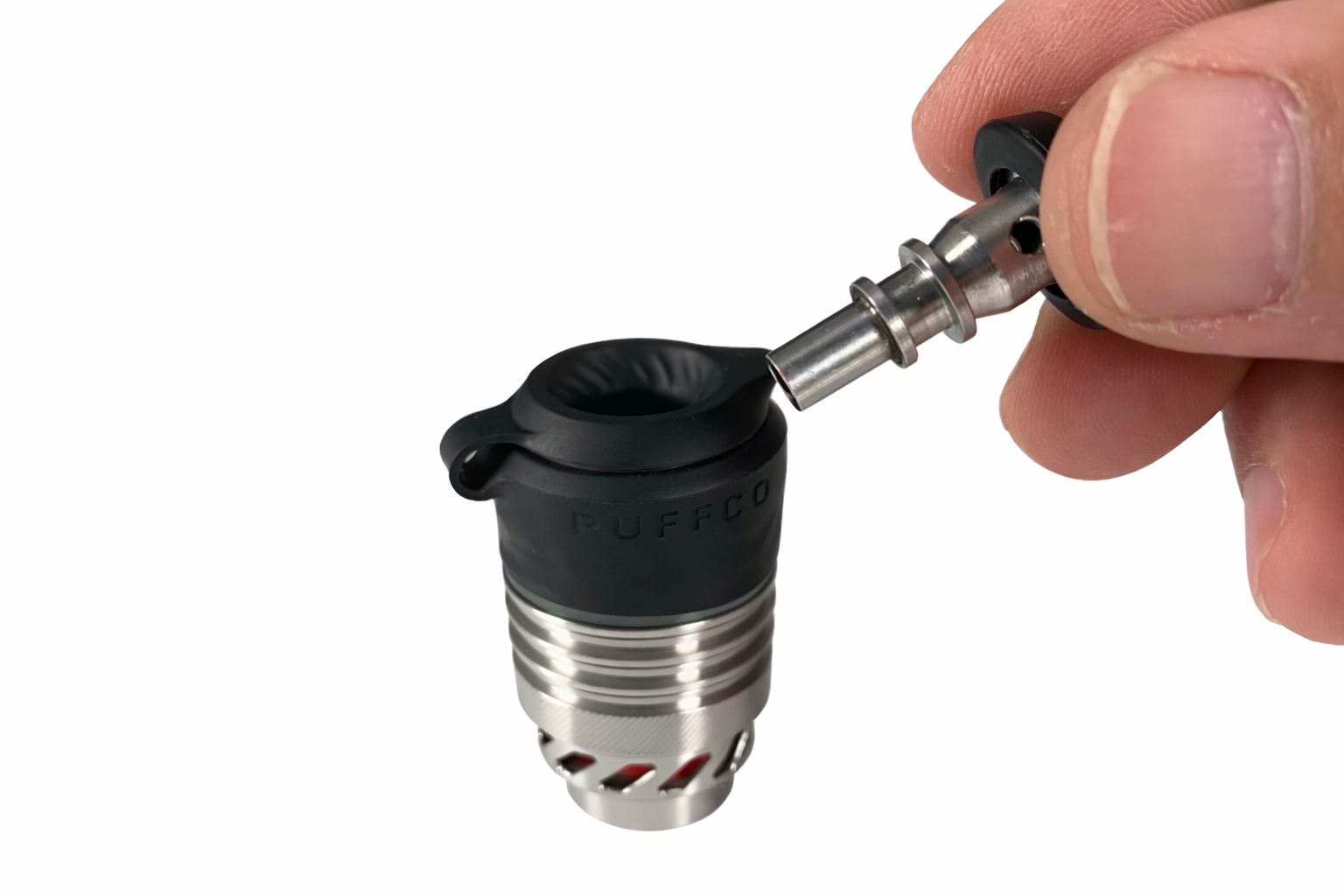
Take off your current cap:
Joystick cap
Ball cap
Or any other carb cap
Simply lift it from the atomizer and set it aside.
Step 3 – Install the Silicone Cap
Place the JCVAP Silicone Ball Cap or Oculus Cap onto the atomizer.
Press gently until it sits securely in position.
This silicone cap will serve as the anchor point for one end of the Link Tether.
Step 4 – Attach the Link Tether to the Atomizer
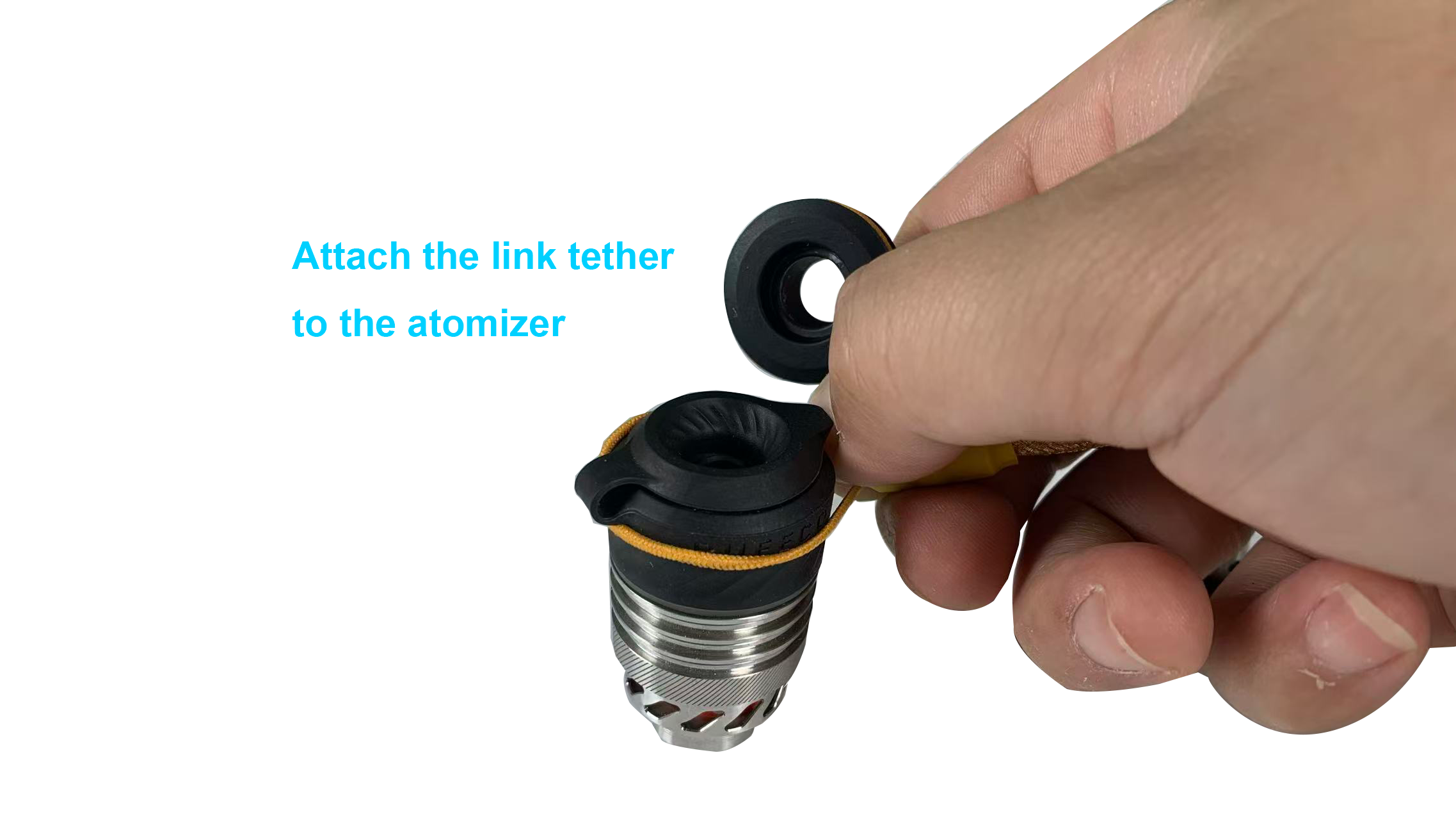
Locate the larger loop end of the Link Tether.
Stretch it slightly and place it over the silicone groove on the atomizer base.
Make sure the loop sits fully inside the groove for a secure hold.
Step 5 – Attach the Other End to the Silicone Cap
Take the smaller loop end of the Link Tether.
Hook it onto the attachment point of the silicone cap.
Now both ends of the tether are connected — one to the atomizer, one to the cap.
Step 6 – Adjust the Tether Position
FlexCoil features a shapeable steel-core design, allowing you to:
Bend the tether upward or sideways
Position the cap exactly where you prefer
Keep your setup clean and organized
The internal soft stainless steel wire provides excellent moldability while staying tight and durable.
You can readjust the angle anytime to match your personal usage style.
Step 7 – Close the Cap and Enjoy
Place the cap onto the atomizer.
Your Link Tether is now fully installed and ready for use.
No swinging.
No sagging.
Just a clean, controlled setup.
Why FlexCoil Works Better
Shapeable steel-core for precise positioning
Tight fit that stays in place
Durable internal soft steel wire
Designed for long-term daily use
Final Tip
If you ordered a custom color or length, installation remains exactly the same.
FlexCoil is built to fit all JCVAP silicone cap attachments.